
AI photo maker
Take a photo with Sheru Bhai.
Pick a template, upload a photo of yourself, and get a picture of the two of you together. Free with a watermark. Every prompt is free to copy and use in other AI tools.
Choose a template
Each template is one scene. Open it to make your photo or to copy the prompt.
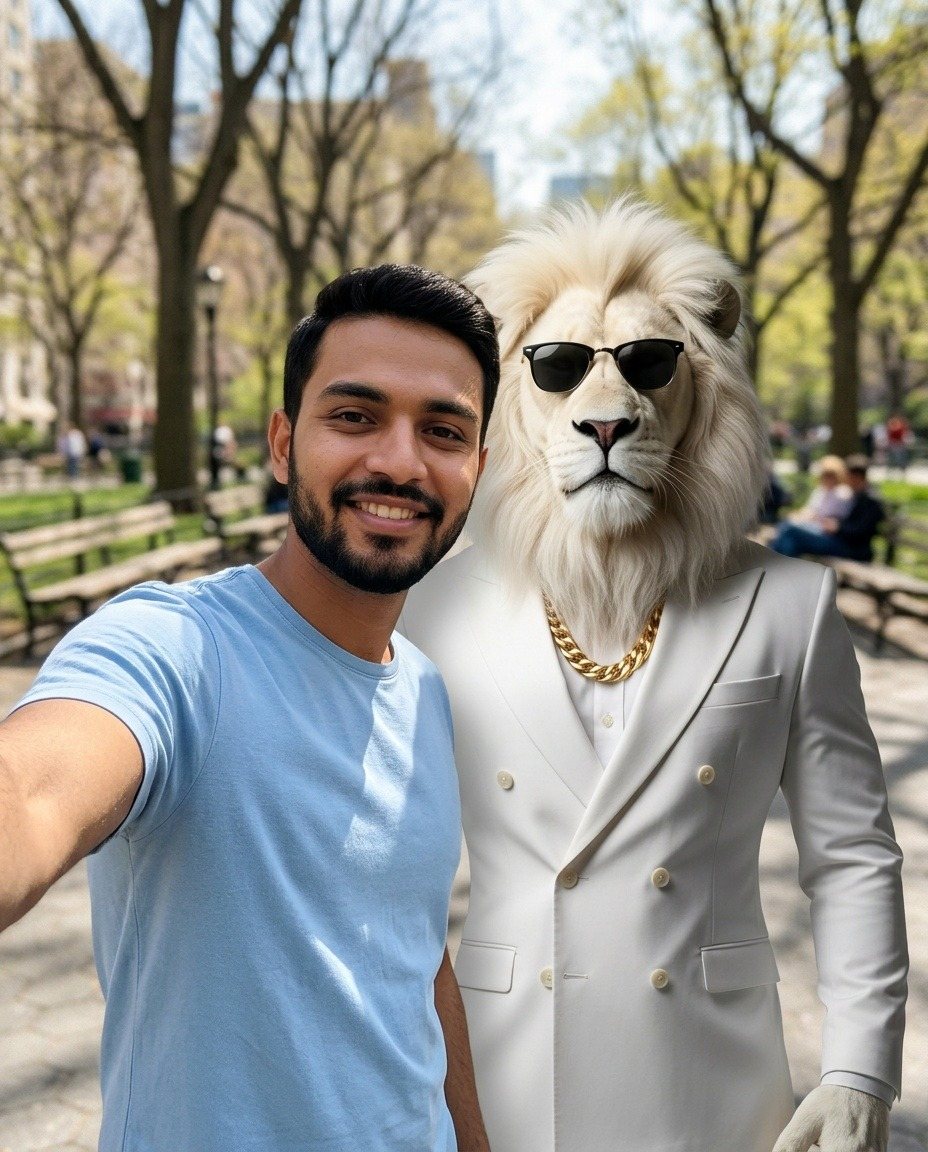
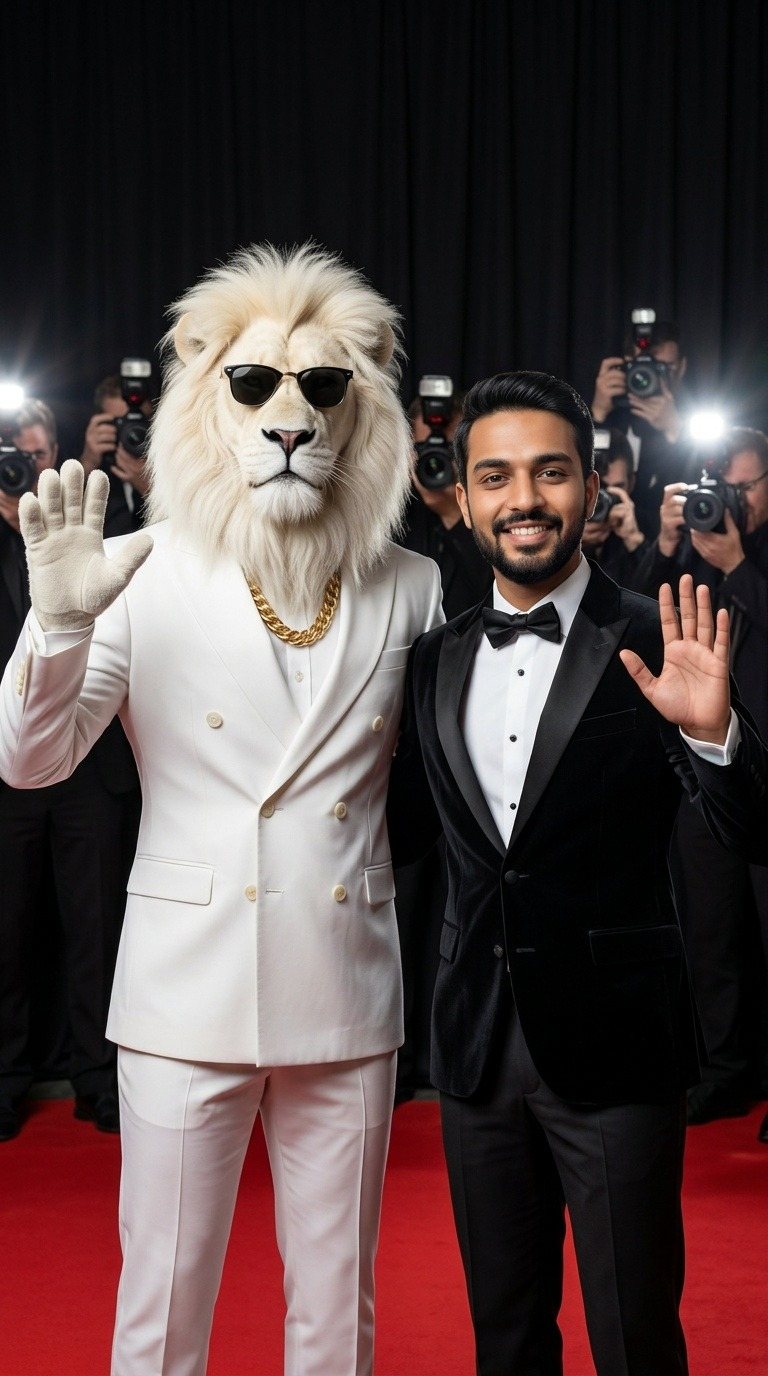
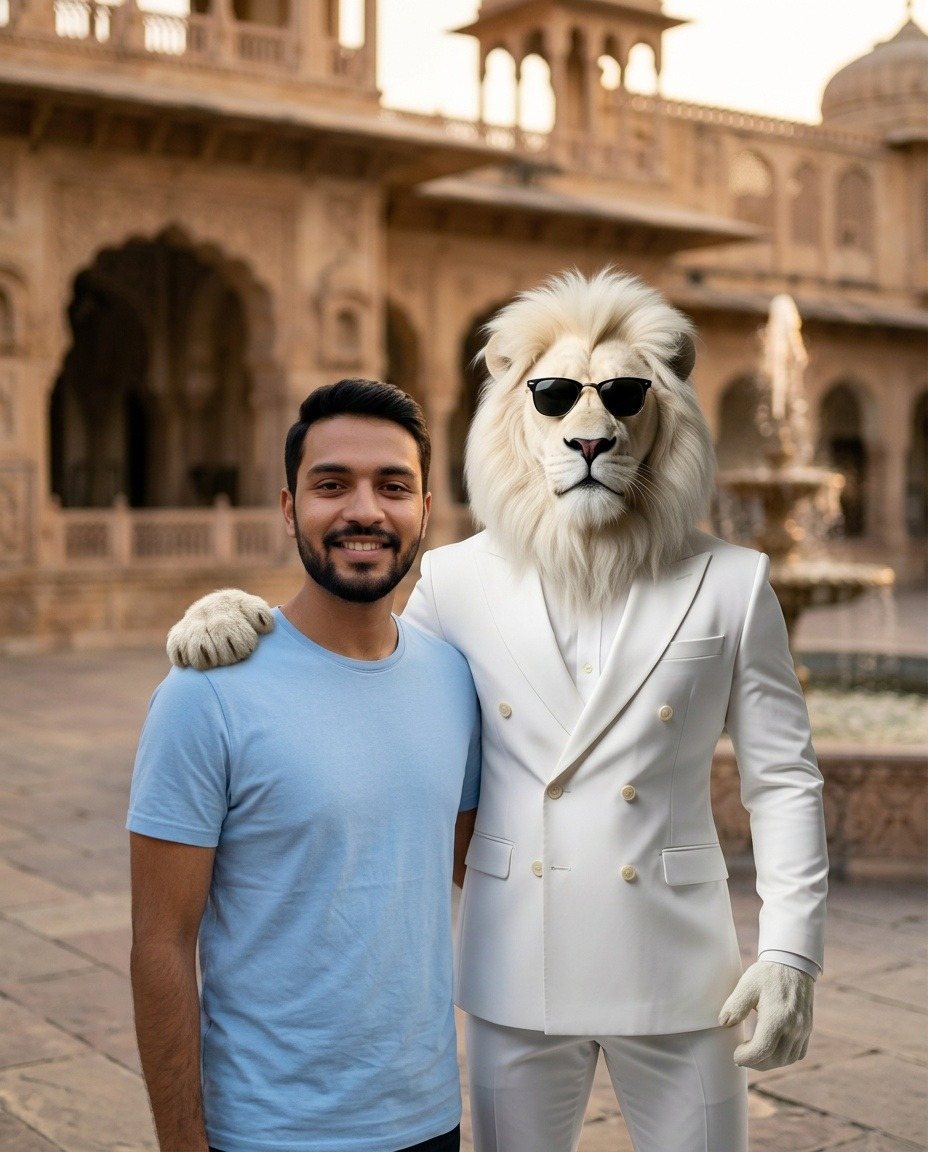
How it works
- Pick a templateChoose the scene you like.
- Upload your photoA clear photo of your face works best.
- Get your pictureIt is ready in about half a minute.
- Share or downloadPost it on Instagram or TikTok, or save it.
Pricing
No subscription. You pay only for the photos you want without a watermark.
Prompts
Free
- Copy or download every prompt
- No account needed
- Use them in any AI tool
Photos with watermark
Free
- 3 photos a day
- Download and share
- Free account needed
Photo without watermark
$1.99
- Per photo, paid once
- Full size, no watermark
- Does not use a free photo
Questions
Is it free?
Yes. You can make 3 photos a day for free. Free photos have a watermark. Removing the watermark from a photo costs $1.99, paid once for that photo.
Can I use the prompts in other AI tools?
Yes. Every template shows its full prompt. Copy it or download it as a text file, then paste it into another AI image tool together with your photo and a picture of Sheru Bhai. You do not need an account for this.
How do I post my photo on Instagram or TikTok?
On a phone, tap Share and choose Instagram or TikTok from your phone's share menu. On a computer, download the photo and upload it in the app. Websites are not allowed to post to these apps for you.
What happens to the photo I upload?
It is sent to the AI service once to make your picture, and we do not save it. The finished picture is kept in your account for 7 days and is then deleted.
Do you make videos?
Not yet. This first version makes photos only.